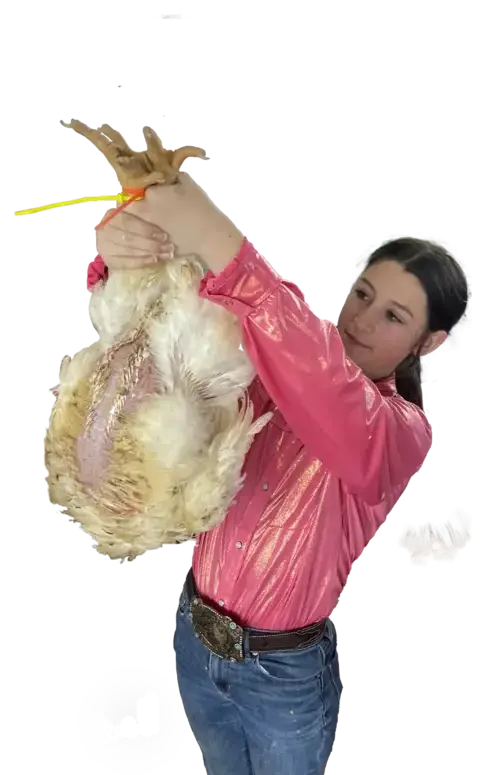

01 / Exhibitors
Exhibitors
Raise an animal, build a project, step up to speak, or showcase your craft. We will guide you from entry to sale day.
Start Your Project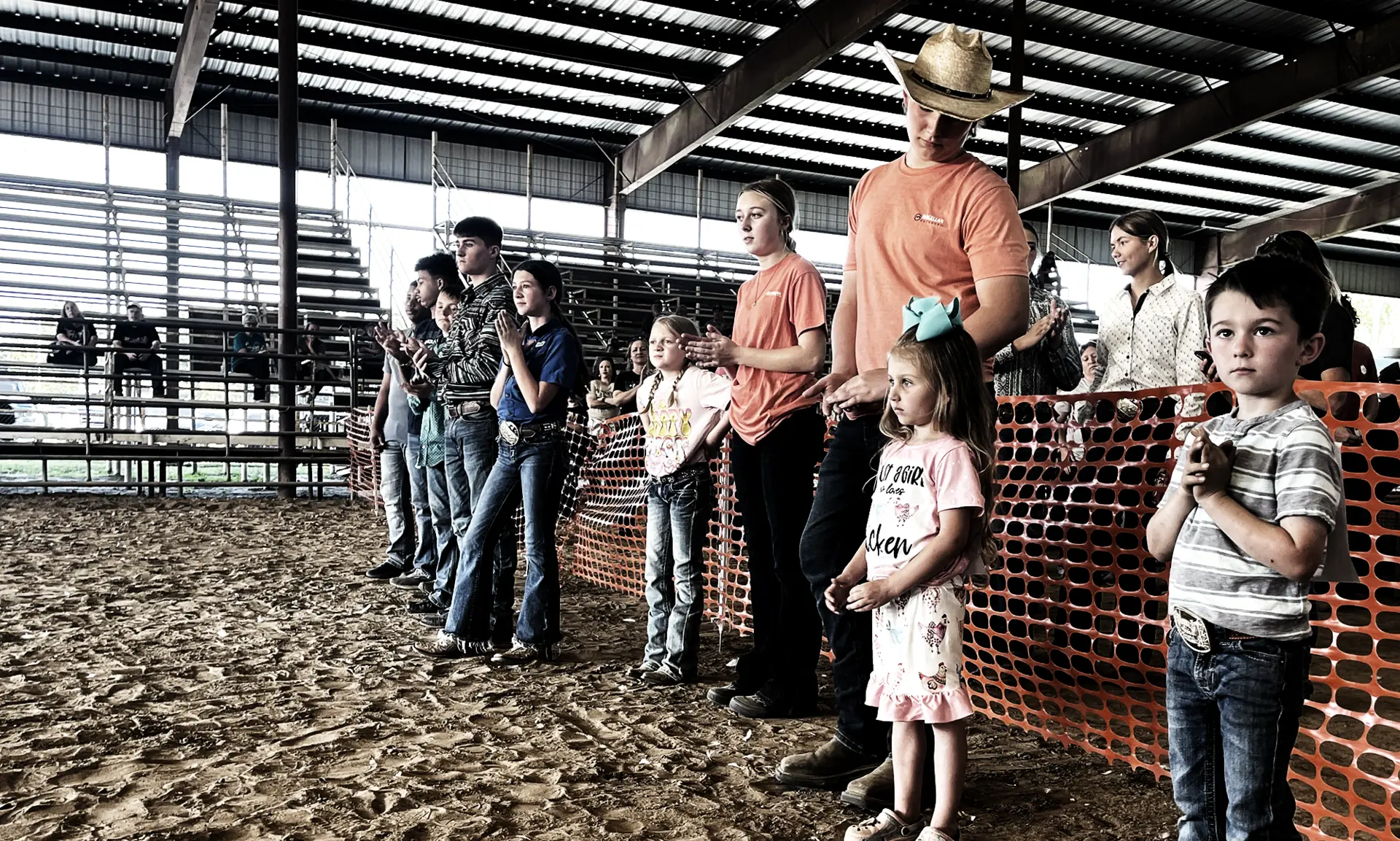
Home of the Sabine County Livestock Show
Raise a paddle, lend a hand, or start a project. Your help turns hard work into real opportunity for Sabine County youth.
Ways In
Whatever brought you here today, there's a place for you in this. Here are the three ways Sabine County families usually start.
01 / Exhibitors
Raise an animal, build a project, step up to speak, or showcase your craft. We will guide you from entry to sale day.
Start Your Project02 / Buyers
Raise a paddle and invest in a student. Buy a lot or give what you can. Your dollars stay right here at home.
Learn How to Bid03 / Sponsors & Volunteers
Pick a level or lend a hand. Show up for some of the hardest-working kids in Sabine County.
Get Involved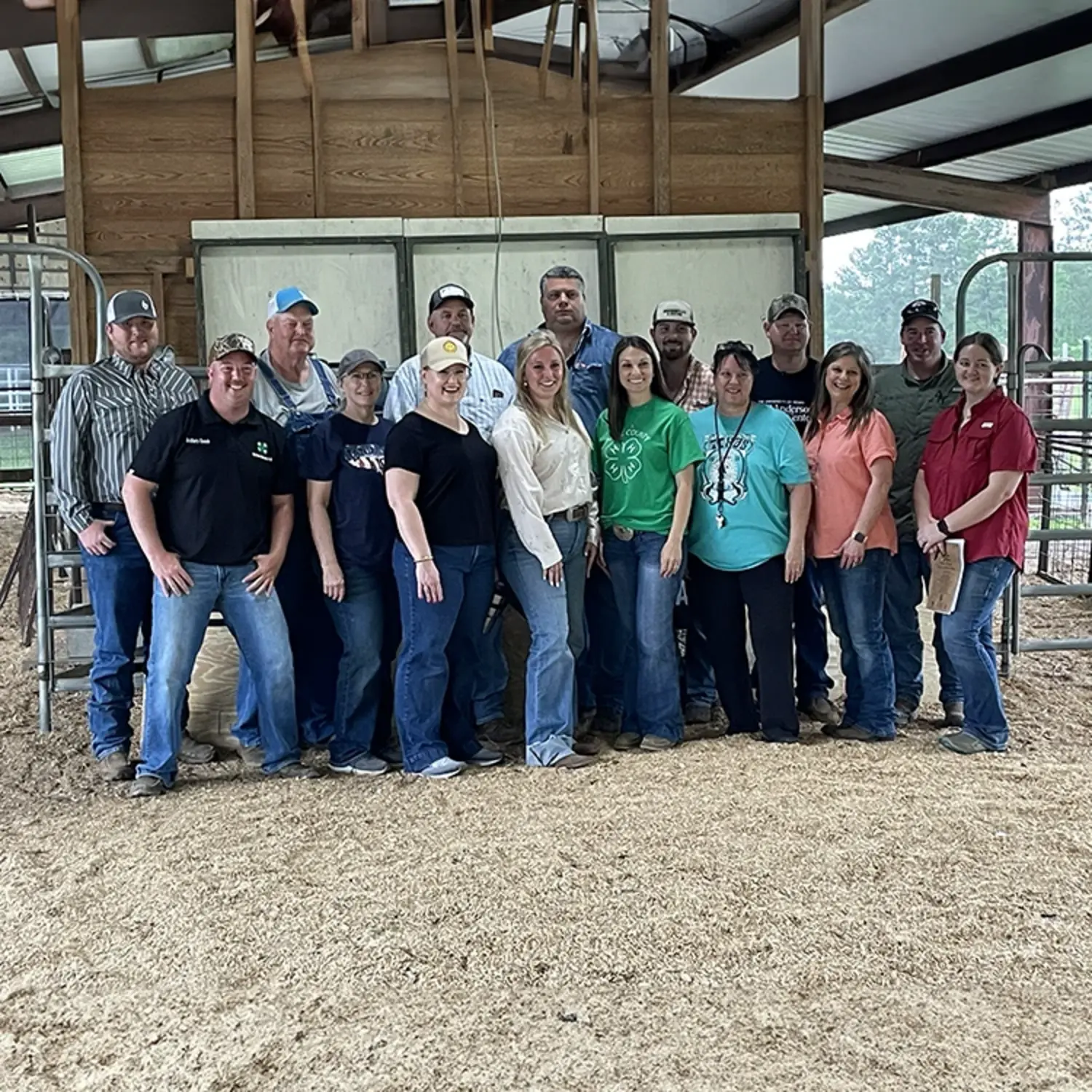
Before you pick a door, it helps to know who's on the other side of it.
Who We Are
The Sabine County & Agricultural Improvement Youth Foundation is a local nonprofit serving the agricultural youth of our county. We produce the Sabine County Junior Livestock Show, manage the fairgrounds, and work year-round to support 4-H and FFA students.
That's who they're doing it for.
Waking up before school. Feeding before dinner. Practicing speeches. Welding after dark.
Our youth learn responsibility, resilience, and pride in doing a job right.
Here's exactly how that starts, step by step.
The Show Starts Here
When you are ready to enter a project, check deadlines, or review official show details, everything runs through Showman.app. It keeps registration, division information, rules, schedules, and entry deadlines in one clear place.
Take Me to ShowmanChoose your division, view class lists, and complete your registration online.
Each category has its own entry deadline. Make sure you know your date before you register.
Find official guidelines, schedules, and everything you need to be ready for show day.
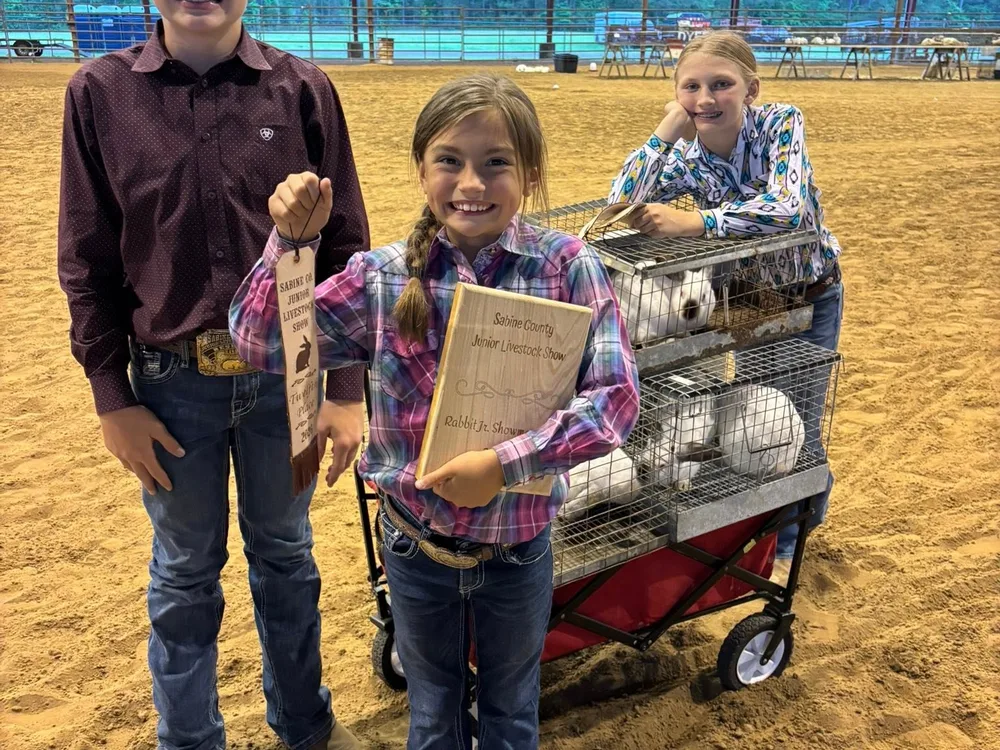
That's what it looks like for one family. Multiply that by every family who shows up.
When neighbors show up, students succeed. Every entry, every bid, every volunteer hour adds up to something bigger than a show. It teaches responsibility, builds confidence, and creates opportunities that follow them long after the show ends.
The numbers are one way to see it. Here's the other.
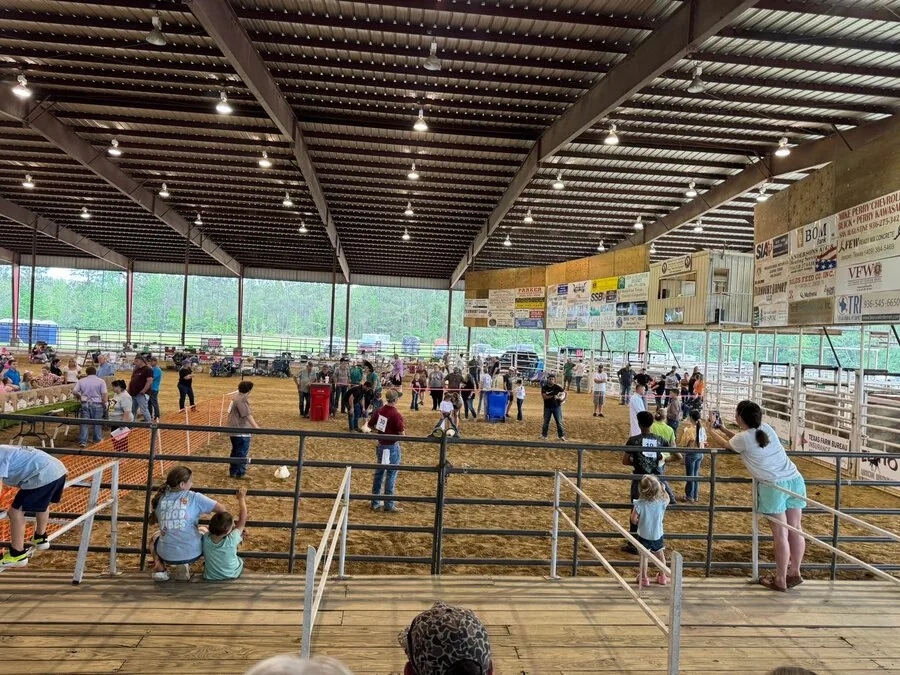
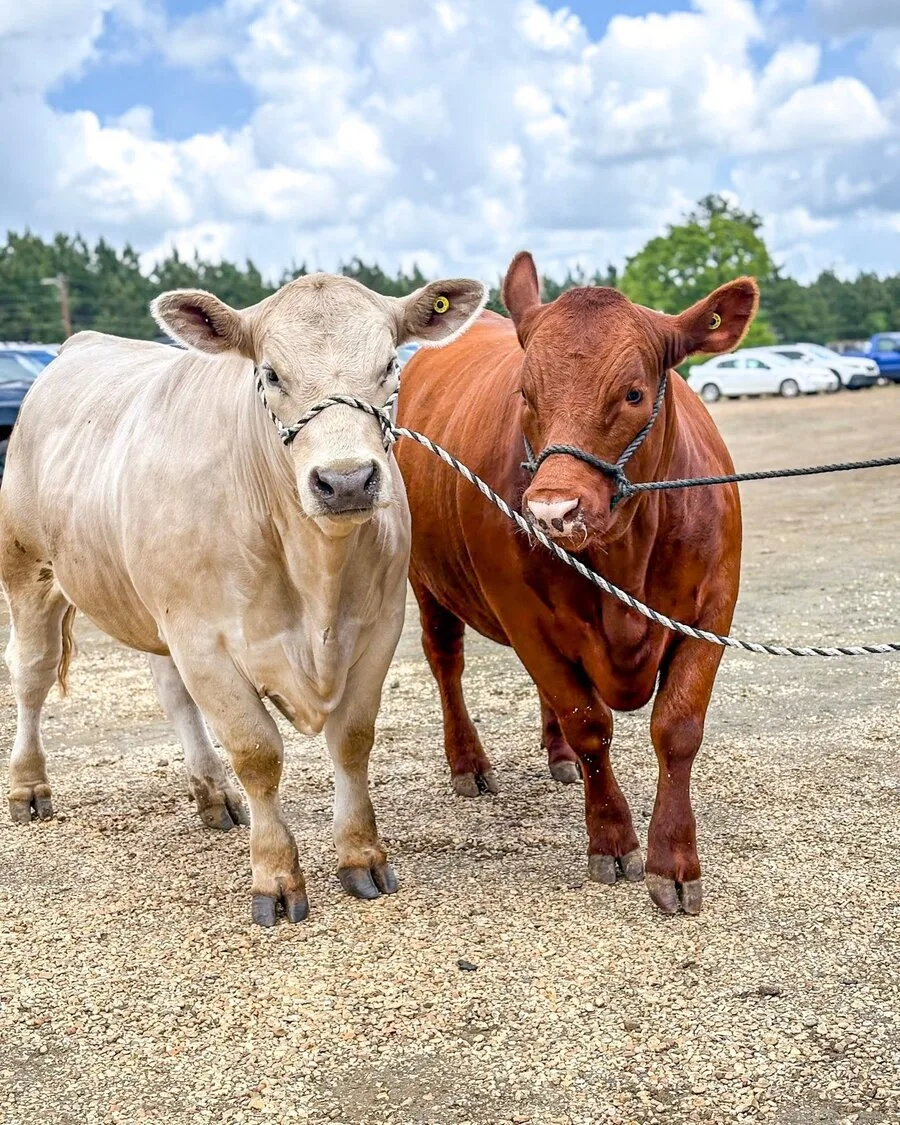
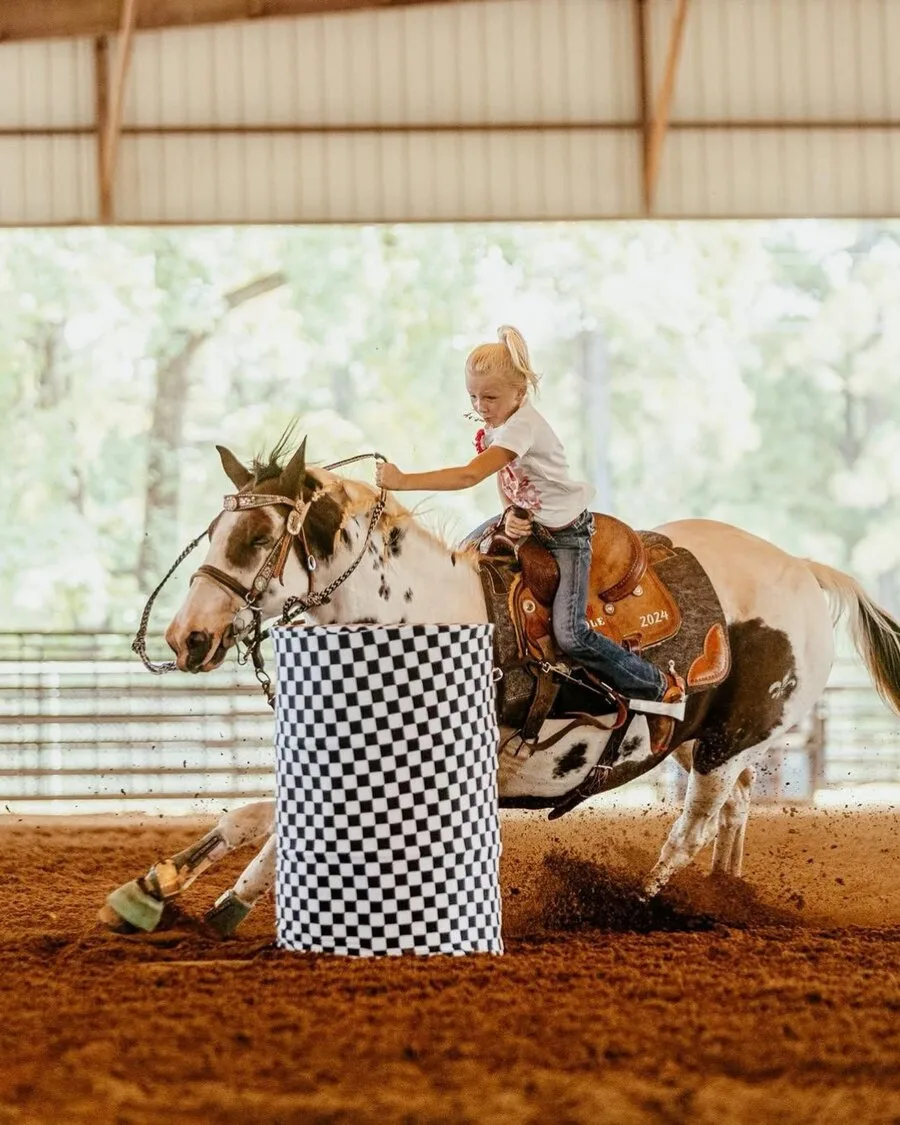
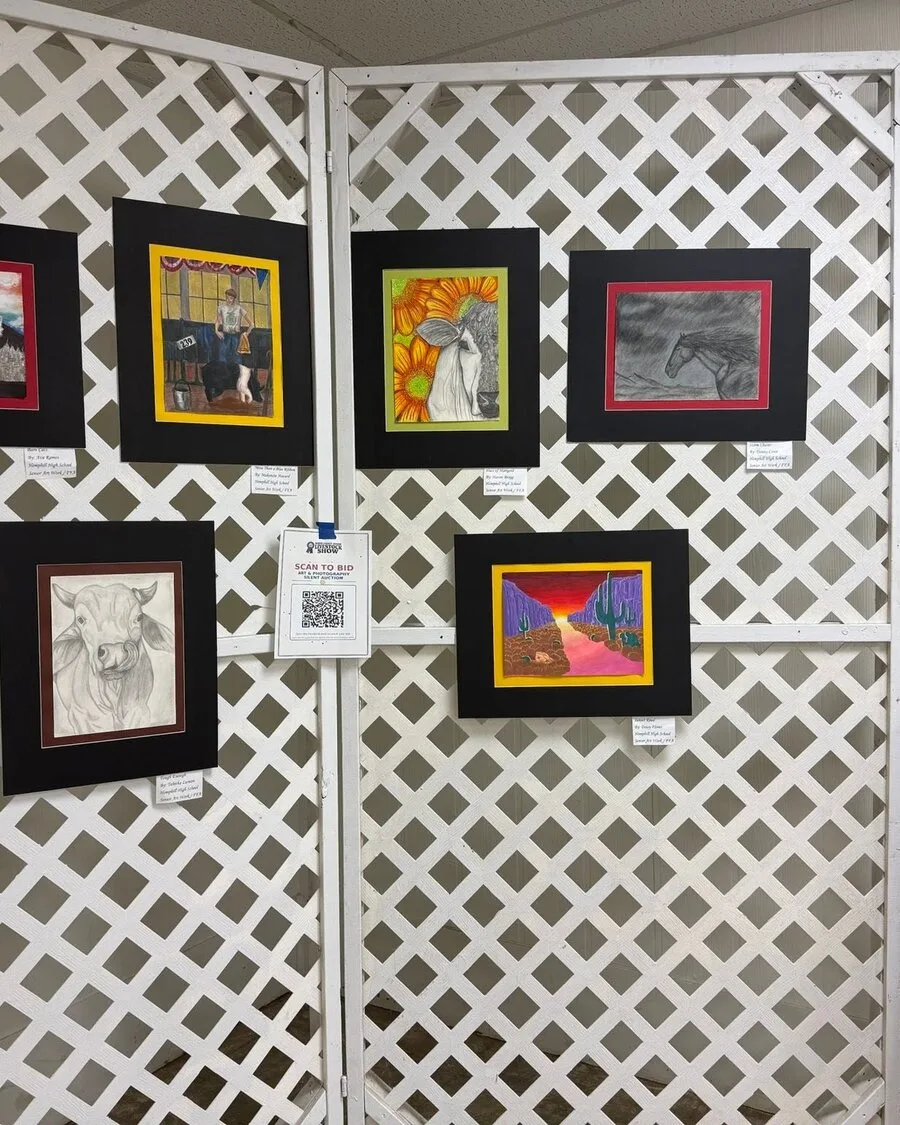
From the Show Barn
Early mornings in the barn. Long practices after school. The proud walk into the arena on show day.
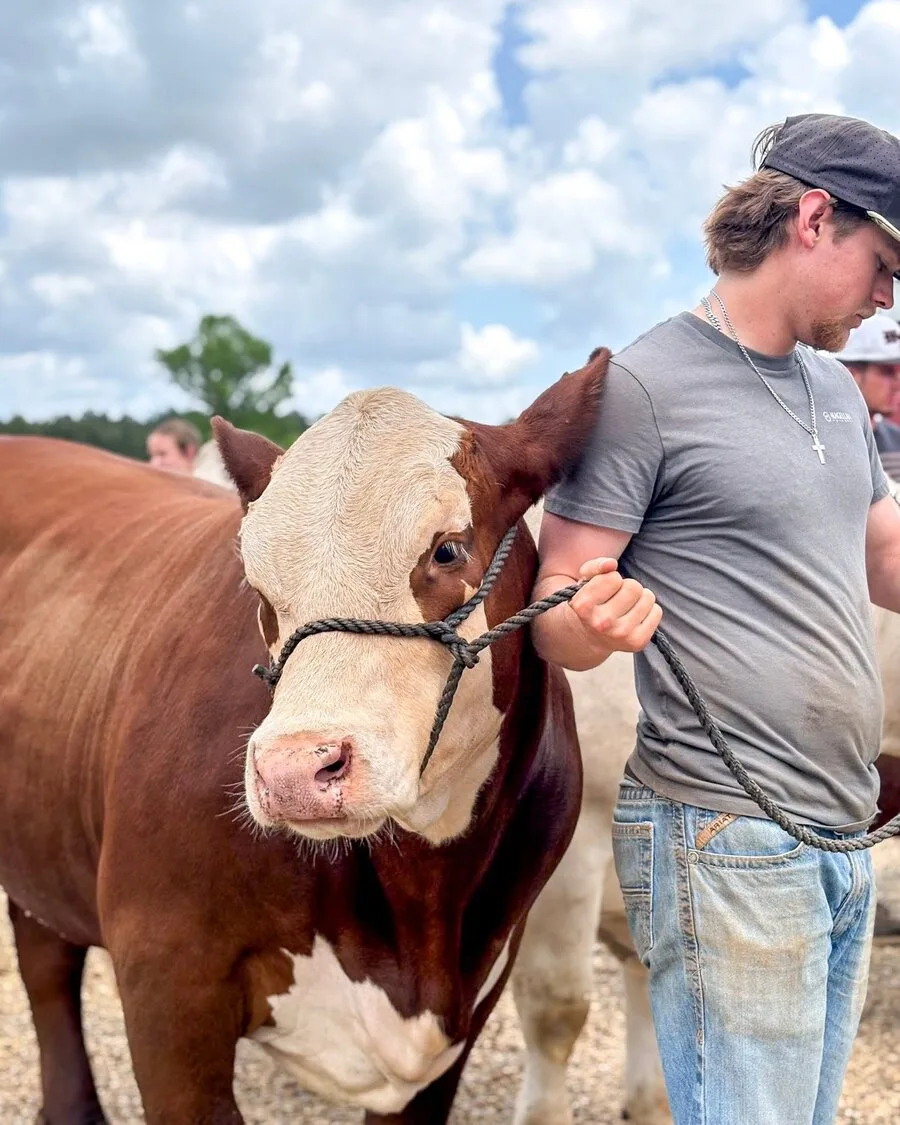
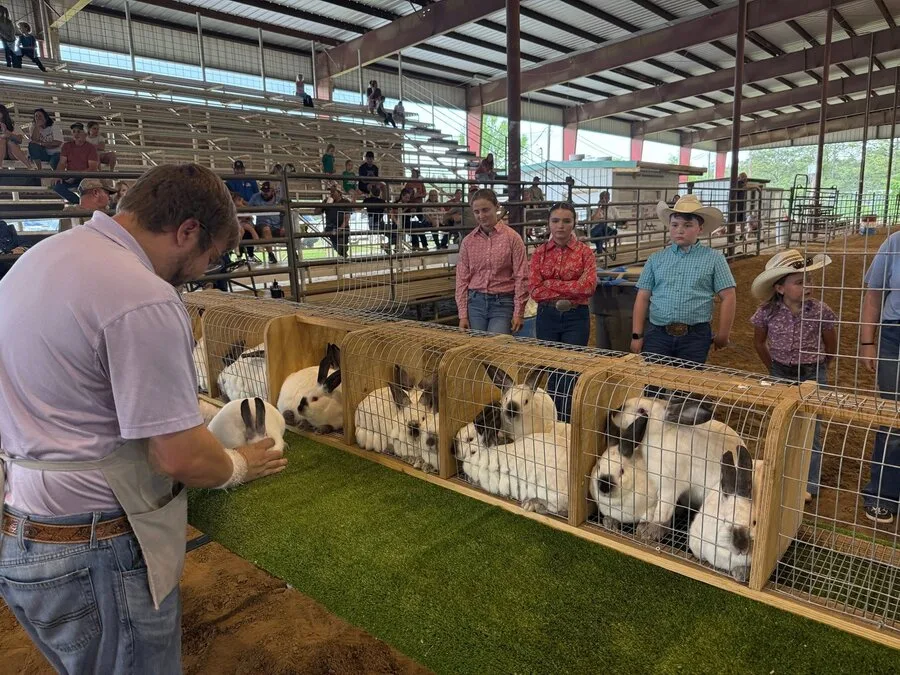
Feeling it? Here's exactly where you fit.
Find Your Place
Walk in ready to show, whether you are raising an animal or showing your shop project.
Start Your ProjectWe can show you how to bid, pay, or bless a student, whether you are buying a little or a whole lot.
Pre-Register to BidPick a level and show up for some of the hardest working kids in Sabine County.
Become a SponsorBring yourself and a heart for serving, and we will find the place you fit in best.
Sign Up to HelpAg kids today. Leaders tomorrow. Get the details and start your path after high school.
Apply NowBring everyone together here. Tell us your date and we will hold it for you for one clear price.
Request a HoldHere's what that path looked like for one of our own.
In Their Words
Showing at the county show has always meant so much to me. It gave me a place to showcase my love for baking and photography and helped shape my confidence, creativity, and work ethic. Now it is an honor to give back as an adult and support our local county show!
I earned a BS in Genetics from A&M and currently work as sire health coordinator for a livestock reproduction company.
Ready to see it for yourself? Here's what's on the calendar.
What Is Coming Up
Turn in forms and fees to save your spot.
Bring your animal and paperwork. Our team will guide you.
Come cheer. See projects, showmanship, and awards.
Raise a paddle. Buy a lot or donate. Your dollars stay local.
Get deadline reminders, sale updates, and scholarship news. We send only what helps.
Whatever pulled you this far, there's a next step waiting, and we'll walk it with you.
Choose how you want to get involved. We will guide you every step of the way.